Physical Address
304 North Cardinal St.
Dorchester Center, MA 02124
Physical Address
304 North Cardinal St.
Dorchester Center, MA 02124

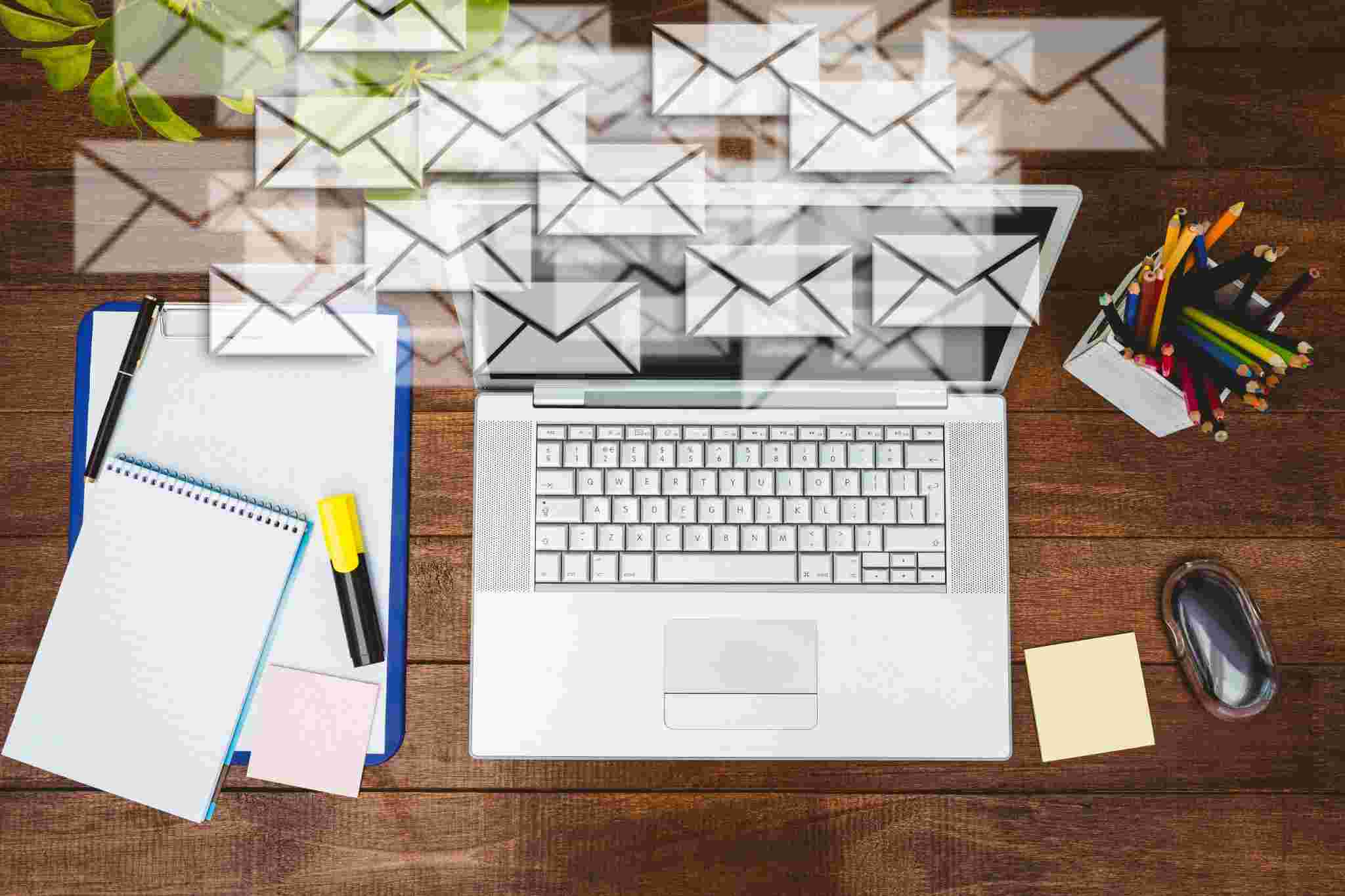
Email marketing is powerful. But email marketing automation is transformational. If you’re new to automation, this guide will explain everything in simple terms, what email automation is, how it works, why it matters, and how to use it to grow your business. By the end of this article, you’ll understand how to send the right message to the right person at the right time, automatically.
Email marketing automation is the use of predefined rules to trigger and personalise email messages based on specific customer actions, or inactions, using email marketing software or marketing automation tools. Instead of manually sending emails every day, automation allows your system to do the work for you.
For example:
These automated email campaigns run in the background while you focus on growing your business. That’s the power of marketing automation.
As a business owner or marketer, your time is limited. You should focus on strategy, growth, and customer experience, not manually sending follow-up emails. Email automation:
Instead of sending emails one by one, you create workflows once, and they run automatically forever. This makes email marketing scalable and consistent.
Email automation works through triggers and workflows.
A trigger is an action or event that tells the system to send an email. Common triggers include:
Once the trigger occurs, your email marketing platform sends the pre-written email. You can even create complex workflows like:
This is called behaviour-based email marketing automation.
Clients appreciate tailored experiences. According to market research, 90% of individuals prefer to receive personalised content. Using automation, personalised email marketing campaigns will achieve greater engagement. For example:
“Hi Julie, the laptop accessories you viewed are on sale now for 15% off.”
Vs.
“Check out our products.”
What feels more relevant? Studies show that personalised automated emails generate higher open, click, and conversion rates.
Automation will eliminate repetitive manual activities from your routine. For example,
Thus, your marketing department will have time to develop its strategy rather than repeatedly performing the same type of work.
Retaining customers costs less than getting new customers. Email Automation gives your company:
Examples: “Hey, we haven’t heard from you in a while.” “Hi Jon, you’ve purchased parts for your printer; they have updated this model, which is currently being offered at 20% off.” The second email addresses the customer’s requirement. This is known as retention marketing.
What happens if your subscriber list doubles? If you send emails manually, chaos. If you use automation, no problem. Automation allows unlimited scalability without increasing workload.
Now, let us dive into the practical use case for beginners-
Trigger: New subscriber Email: “Welcome to our community!” Welcome emails are essential.
A typical welcome series includes an introduction email, brand story, top products or resources and a first-time discount. This is called a welcome email series.
What would happen if your subscriber count doubled? If you’re sending all emails manually, everything would be out of whack. However, if you use automation, things will be fine. With email automation, you can scale infinitely and not have to work harder for it.
Trigger: Users place items in a shopping cart but do not complete the checkout process.
Approximately 70% of shoppers who make purchases online abandon their carts. Automated cart abandonment emails have a typical format:
Cart abandonment recovery emails have some of the highest conversion rates for automated emails.
Trigger: Customer has completed a purchase.
These emails help build trust and improve the user experience for your customers.
Drip campaigns are a series of emails in which your company sends content to prospects over several days or weeks.
Example:
Drip email marketing is a great way to nurture leads through the sales funnel.
Trigger: Customer has not interacted in the past 90 days.
Example of email sent – “Hello Emma! We miss you! Take 15% off your next purchase!”
Re-engagement email automation reduces churn and provides increased lifetime value for your business.
Understanding your triggers is essential to your business.
Triggers based on what users do on your website are called behavioural triggers. Here are examples of behavioural triggers:
Email marketing campaigns based on behavioural triggers have high conversion rates because these campaigns are triggered by actual user behaviour.
Time-based triggers are based on date-related events. Make a note of the customer’s birthday, subscription renewals, or anniversaries of their sign-up date. Trial periods that are about to expire. Time-based automation keeps your communication consistent.
Advanced platforms use AI to:
AI-driven email automation improves performance without manual optimisation
Keep track of- Open Rates, Click-through Rates, Conversion Rates, Bounce Rates, Unsubscribe Rates. Using data to drive marketing will assist in optimising automated workflow processes
To keep email out of Spam, do not put ALL CAPS subject lines. Along with this, no spammy words, and HTML that is clean. Deliverability is important for successful automation campaigns.
Additionally, use discount incentives strategically. Automated discounts can work, but if your clients expect them all the time, they lose value for your brand. So use discount codes only for cart recovery or re-engagement campaigns.
Email segmentation will make you more relevant to your target audience. You can segment your audience based on their purchase history, geographic location, level of engagement and most importantly, their interests. Segmentation can significantly increase your return on investment.
Single Email Automation: A single email is sent when a trigger fires. These are typically time-limited offers, such as flash sales or events triggered by shipping confirmation or feedback requests.
Email Series Automation: A series of emails with a related theme created and connected to create a sequence of events. Examples include: an onboarding series with five emails, a 3-step cart abandonment series, and a four-email product launch. Both single- and series-email campaign automations offer greater opportunities for sales conversion and lead nurturing.
To run automated email campaigns, you will typically need:
For example, when evaluating email automation software, consider these features:
Choose a reliable email marketing automation tool to ensure deliverability and performance.
A marketer can easily become overwhelmed by a long email list. Campaigns using manual methods can become tedious as the audience grows. Instead of constantly using the “send” button, you create triggers, workflows, and strong email copy.
Once you take this step, your automated email marketing campaigns run in the background, nurturing leads, regaining lost sales, improving retention, and generating revenue. When you use analytics and segmentation together with email automation, they make an incredibly powerful internet marketing tool.
When first starting with email marketing automation, take small steps. Create a welcome email. Create a shopping cart reminder email. Then build upon that.
The sooner you begin, the sooner your emails will be created and sent automatically. The right message, the right person, and the right time make email marketing automation your strongest tool.