Physical Address
304 North Cardinal St.
Dorchester Center, MA 02124
Physical Address
304 North Cardinal St.
Dorchester Center, MA 02124

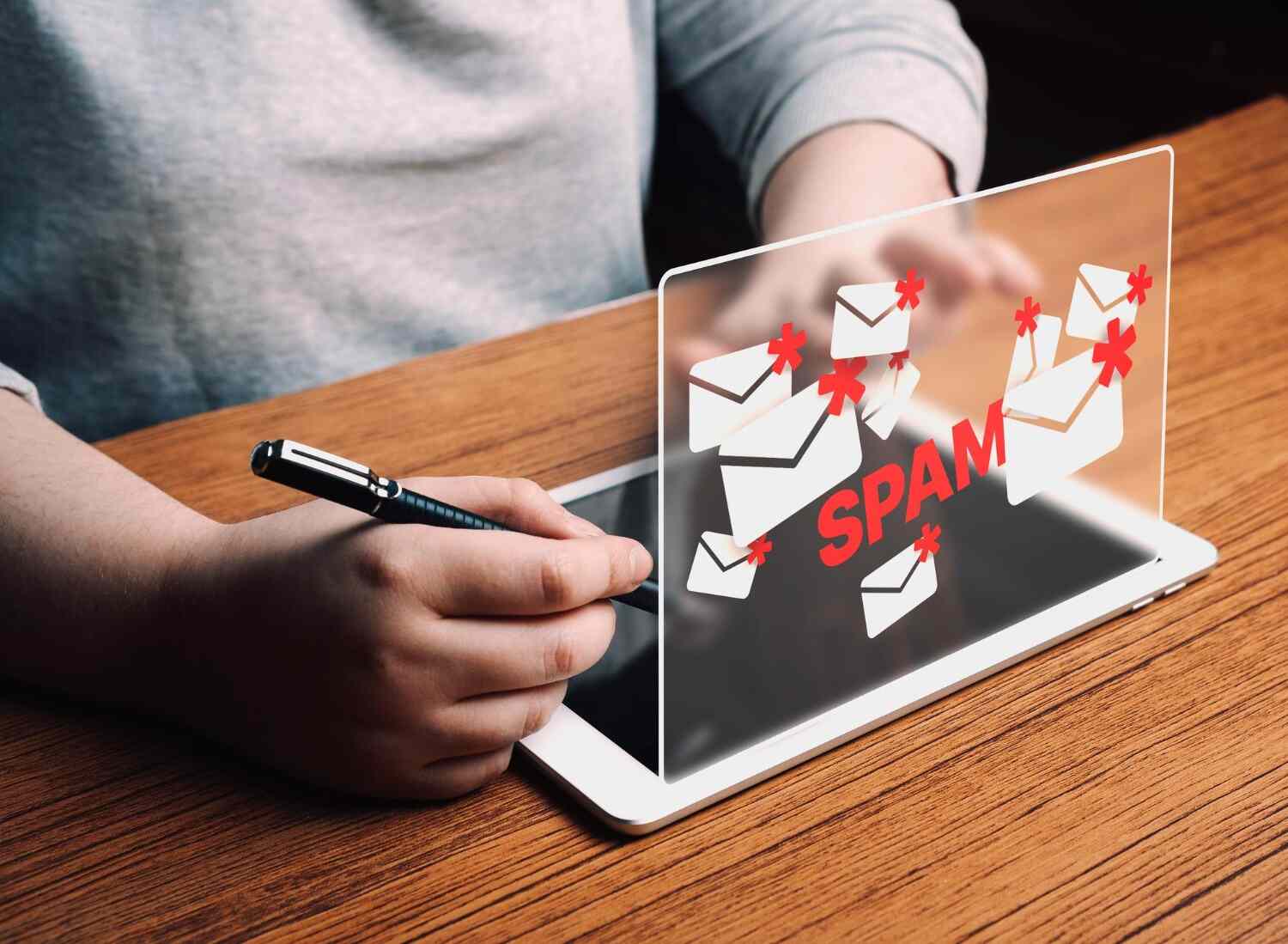
If you have ever invested countless hours into creating a great email marketing strategy, only to find out that it ended up in the spam box, you are not alone. Frustrating indeed, and to some degree baffling as well. You did everything right, according to the rules, didn’t you? The question of why emails end up in spam is one even experienced marketers face.
The truth is, spam filters don’t act randomly and most certainly aren’t looking for trouble. However, once you know how do spam filters work, you will begin to recognize patterns and discover ways to take advantage of that knowledge to enhance your email campaigns.
Let us explain how that works in practice, and a thorough explanation of why emails go to spam.
A spam filter is an agent that determines the destination of a particular email. Spam filters decide where an email will appear: either in the inbox, promotions, or spam folders.
This decision is based on several criteria: algorithms, user behavior, and sender reputation. It doesn’t depend only on what you want to say in your email; it largely depends on who you are and how you interact with other users.
Spam filters do not work the same way everywhere. Most inbox providers tend to combine different types of filters.
Content-Based Filter that checks the titles, bodies, and formats of your emails. Emails that appear overly promotional or contain suspicious phrases may be considered spam right away, which is why many marketers try to avoid email spam filters carefully.
Reputation Filters, which check your sender statistics. They include the number of complaints or bounces and sender performance. A poor sender reputation will negatively affect your future messages and is directly tied to how to improve sender reputation.
Behavioral filters that focus on user interaction with your email. If your message has been opened or marked as spam by users, the situation with further emails won’t be easy.
Here, we adopt a pragmatic approach. If your goal is how to avoid spam filters in email marketing, you should follow both technical rules and common sense.
First, obtain permission. It may sound too basic, but without it, you have nothing. Spamming people who did not sign up for your newsletter will damage your sender reputation beyond repair.
Second, be careful with your email content. Do not use excessive capitalization, spam trigger phrases, and vague subject lines. Yes, you don’t need to become a robot, but clarity is better than cleverness.
Third, consistency should be considered. Sending emails sporadically and then suddenly becoming extremely active can easily alert spam filters to you.
Fourth, and this part surprises a lot of people: include an easy-to-find unsubscribe link.
Otherwise, your subscribers may mark your email as spam, which is definitely not how you want to keep them out of the spam folder.
It’s quite frustrating to see that some emails you’ve put together can still be filtered out. This is because filters don’t consider a single email; they analyze patterns.
For instance, if there are signs that the audience is disengaged from your emails, filters will automatically categorize your messages as irrelevant, regardless of their quality.
The other problem could be the absence of authentication records, including SPF, DKIM, and DMARC. If these components are missing from your emails or configured incorrectly, filters will treat them as spam.
In addition, your inbox provider will prioritize the emails that users care about most. So if your email campaigns don’t attract much attention or resemble spam in any way, they won’t make it to recipients’ inboxes.
To be considered an authorized and trustworthy sender of the email, you must have SPF, DKIM, and DMARC records set up on your server.
The lack of such records might even cause good messages from your email automation program to run afoul of email deliverability best practices. Authentication will build trust with inbox providers.
Keep your email campaign consistent in frequency. Too much traffic generated by your campaign is a sure sign of spamming.
It is important to be consistent in the content and purpose of your emails. Gradually, it will positively impact the sender’s reputation.
Testing various subject line options, sending times, and message structures helps you find out what works for your email recipients.
Regular A/B testing enables you to improve your campaigns significantly. In turn, it will positively influence the results of your email automation program.
Email service providers detect patterns. You can’t send 1,000 emails one day and none for a week, then start sending more after some time.
Constant sending is essential because it signals email delivery systems that you are a consistent sender. Consistency is probably one of the most overlooked email deliverability best practices.
In my experience, Most email deliverability problems do not arise from poor content but from inconsistent sending.
When using a new domain or IP address, you shouldn’t dive into heavy sending immediately. That’s surefire rejection.
The right approach is to start small and gradually increase your volume by sending emails to engaged subscribers. As a result, you will establish your credibility as an email sender, improving sender reputation.
It’s like saying hello and warming up before engaging others in conversation.
Simple opens no longer provide sufficient data. There is a wide range of other indicators measured by email providers, including responses to messages, clicks, and time spent reading.
The absence of interaction even after opening indicates that the emails are not relevant, which is another aspect of understanding email deliverability.
A specific change to make: create emails that urge recipients to take action.
Inactive subscribers may harm your performance without you realizing it. After a certain period of time, if the user doesn’t open your emails, the inbox providers will begin to question your delivery quality.
By purging inactive subscribers, you increase your chances of engaging your recipients, which is essential to avoid email spam filters in email marketing.
There is no randomness in spam filters – they are based on sender behavior, engagement, and other factors. Thus, once everything is sorted out for these aspects, inboxing becomes much more stable.
The role of TrueSend is to make this process easier, improve deliverability, help build sender reputation, and keep sending campaigns in line with best practices. In addition, TrueSend helps brands automate and scale their campaigns while maintaining high inboxing rates.
Instead of wondering why an email ended up in the spam folder, you would have a much better understanding of why the email marketing strategy performs the way it does.
Why do legitimate emails end up in spam?
Because of poor sender reputation, low engagement, lack of authentication, and irregular sending patterns.
What is used to determine if an email ends up in the inbox or the spam folder?
The email provider evaluates the sender’s reputation, the email’s content, and the recipient’s actions, such as clicks and unsubscribes.
What can I do to prevent my emails from ending up in spam?
Configure SPF, DKIM, and DMARC, engage subscribers, and maintain consistent sending patterns.
Is email automation related to deliverability?
Yes, but only if done poorly. Excessive email automation or irrelevant triggers will decrease deliverability.
Why is the sender’s reputation important?
Because it affects email deliverability to the inbox or spam folder.