Physical Address
304 North Cardinal St.
Dorchester Center, MA 02124
Physical Address
304 North Cardinal St.
Dorchester Center, MA 02124

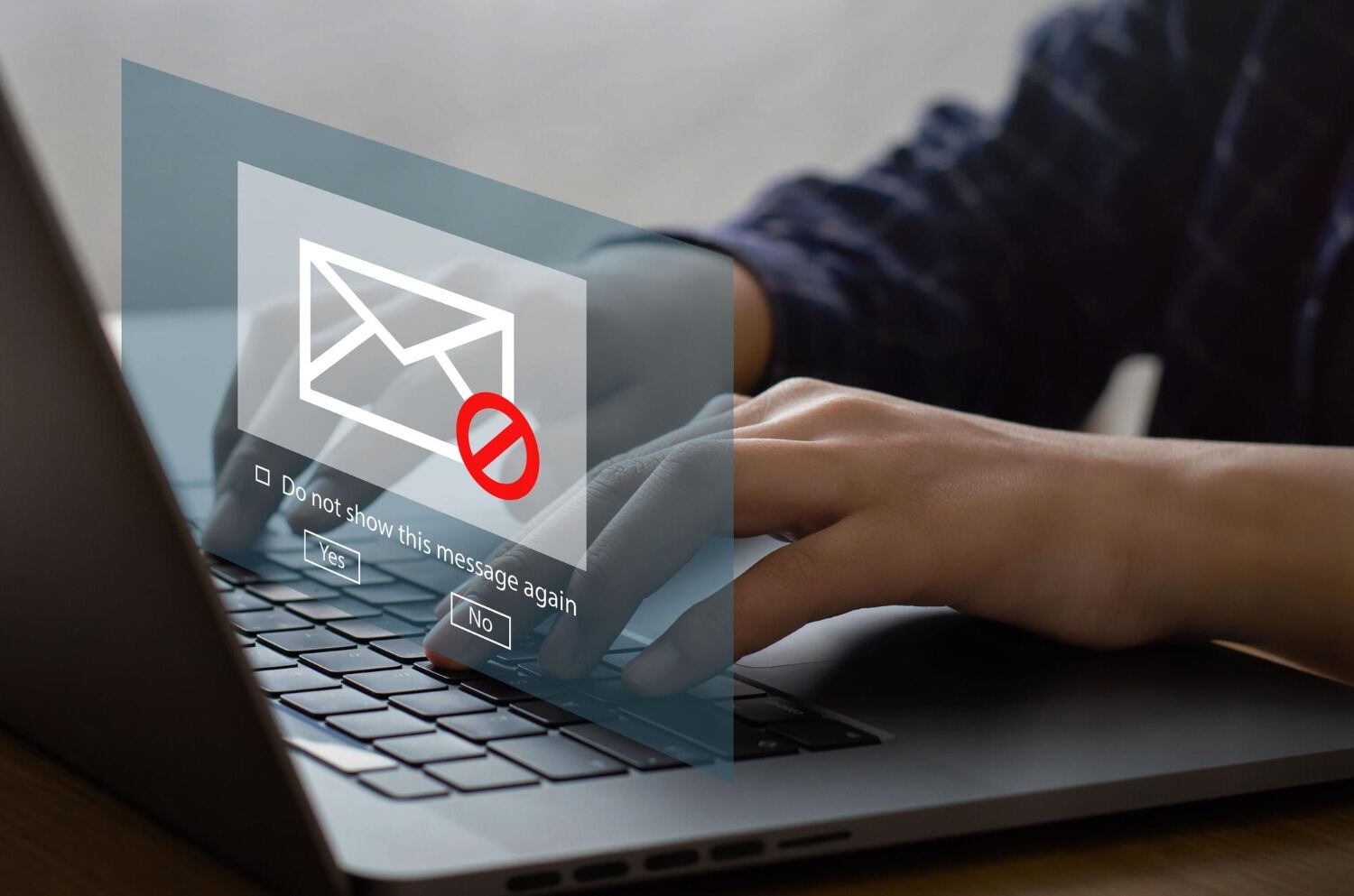
You’ve spent months growing your subscriber base. You see your list as impressive, but reality is different. When you hit send, you find low open rates, bounces, spam complaints, etc. Is it relatable? We know what’s wrong.
A big email list is useless if it’s full of dead contacts. Email list cleaning is not an option if you want to be engaged in email marketing, but it’s a necessity. Research tells that email databases decay by roughly 22% per year. People abandon inboxes and lose interest. Skipping regular cleaning is like burning your email marketing budget on contacts who will never open, click, or convert.
This guide gives you 9 actionable, proven hacks to clean your list, protect your sender reputation, and dramatically improve engagement. Essential tricks for both a startup and a seasoned marketer.
Email list cleaning, which is also known as email scrubbing, means deleting invalid, inactive, and unengaged contacts from your email list. This includes bounced addresses, spam traps, duplicate emails, role-based accounts, and subscribers who haven’t opened a single email in months.
Your list only covers lean, high-quality contacts of real people who actually want to hear from you.
Before you start email list cleaning, you must know why you should do that. So let me tell you that the stakes are higher than ever. Google’s 2024 bulk sender rules now allow spam complaint rates to stay below 0.3%. You can easily maintain that by email list cleaning. See what the benefits of list cleaning are.
ISPs like Gmail and Yahoo actively monitor sender behavior. If you do not clear your email list, it makes your engagement signal weak. Your emails go straight to spam, even for subscribers who genuinely want your messages. So if you are skipping to use a clear list, you may:
Studies show that marketers with consistently clean lists get up to 50% higher open rates. Additionally, they also experience 75% better click-through rates as compared to one who ignores. Clean lists don’t just improve metrics; they protect revenue. Check out the hacks to simplify the process.
Hard bounce emails are the ones that permanently fail to deliver. This includes those addresses that don’t exist, dead domains, or mailboxes that are fully indefinite. Every hard bounce you leave on your list will damage your sender score.
So, remove hard bounces the moment they happen. Most email marketing platforms flag them automatically, but it’s worth reviewing your bounce report after every campaign. Keeping even a small cluster of hard bounce addresses signals to ISPs that your list management is poor.
You can monitor soft bounces (temporary failures). If an address soft bounces three to four consecutive times, then treat it like a hard bounce and suppress it.
Before you launch any major email campaign, do not forget to run your list through an email list verification tool. These tools check each address for validity without sending a single email. They detect typos (gnail.com instead of gmail.com), dead domains, spam traps, and disposable addresses.
Many brands skip this step, but that is foolish. When you choose Bulk Email List Cleaner before sending, you are doing like proofreading before you publish. You catch errors before they cost you.
Make sure you select the tool that offers real-time verification at signup, too, not just batch cleaning. Correcting the entry time minimizes the effort of later cleaning.
One of the most underused email list cleaning best practices is preventing dirty data from entering your list in the first place. Double opt-in does exactly that.
When a new subscriber enters their email, they receive a confirmation link. After that, the list includes that you’re being. This single step filters out:
Yes, double opt-in can minimize your initial signup volume. But the contacts that are connected successfully are verified and genuinely interested, which makes them more likely to engage. A smaller, cleaner list will always outperform a large, messy one.
Some of the inactive subscribers aren’t lost. You just need to connect them differently. You can not send the same emails to everyone. This will lower the engagement.
Segmentation according to activity:
This tiered approach keeps your sender reputation strong while giving inactive subscribers a fair chance to re-engage.
Before permanently removing dormant subscribers, run a sunset campaign. You can send a short and direct sequence of emails. Also, design an email specifically to win them back. This is both a smart business move and an ethical one.
A good re-engagement email will perform three roles:
If a contact completes your entire re-engagement sequence without a single open or click, remove them. Keeping zero-engagement contacts is one of the most common and costly mistakes in email marketing.
Email list cleaning is not a one-time event. It’s an ongoing maintenance practice, like servicing a car. The question isn’t whether you should clean your list, it’s how often.
If you have a documented email list cleaning template or process checklist, this will become sustainable.
checkk your email list and find role-based addresses (admin@, noreply@, sales@, info@). They are rarely monitored by real people, so you should remove them from your list. because they often generate spam complaints and have notoriously low engagement. Most reputable email list cleaning software flags these automatically.
Disposable email addresses will never open, never click, and never convert. So there is no reason to keep them in your list.
Thus, filtering both types out of your list is a fast, low-effort way to improve your engagement rate overnight.
Spam complaints and unsubscribes are not just metrics. They are actually your early warning systems in email marketing. A sudden spike usually shows that you are making one of the following mistakes:
You should keep your spam complaint rate well below 0.3% (Google’s threshold for bulk senders). If complaints are climbing, then pause and investigate before your next send. And never, ever purchase email lists. Because bought lists are the fastest route to spam traps and blocklisting.
The smartest email marketers use a two-layer defense. first one is real-time validation at the point of signup, plus periodic bulk email list cleaning across the full database.
Real-time validation catches bad data the moment it enters your system, no cleanup required later. second one is batch cleaning that catches decay over time. Addresses that were valid six months ago may now be abandoned, domain-dead, or turned into spam traps.
These two layers help in keeping your list clean continuously, not just after an annual scrub. If you’re sending at scale, this combination is essential for inbox placement and cost control.
All the hacks above work best when your email marketing platform is built to support them. That’s exactly where TrueSend stands out. TrueSend is a modern email marketing platform built around deliverability and automation. These two things only work when your list is clean.
Deliverability-first infrastructure- TrueSend is specifically optimized to deliver your emails into the inbox, not the spam folder. Clean list management is part of your process, not a last-minute fix.
Smart list segmentation- TrueSend’s list segmentation feature lets you divide your audience by engagement level, behavior, and campaign history. So it becomes straightforward to set up the tiered approach from Hack 4 without manual spreadsheet work.
Email automation and workflows- Setting up re-engagement sequences mentioned in hack 5 and sunset workflows is simple with TrueSend’s visual automation builder. You can create triggered sequences that run automatically when a contact crosses an inactivity threshold.
Real-time analytics- TrueSend’s reporting suite surfaces bounce rates, open rates, spam complaints, and engagement trends in real time. It gives you the data you need to act on problems before they escalate.
Security and compliance- TrueSend takes data protection seriously. They keep you aligned with CAN-SPAM, GDPR, and other regulations.
Built for everyone- Whether you’re a startup, an e-commerce brand, a SaaS company, or an enterprise, TrueSend has solutions tailored to your sending volume and business goals.
Numerous customers use TrueSend to run smarter email campaigns. It’s not just an email tool, but it’s a platform that makes every send count.
Email list cleaning doesn’t just make your list smaller, but make it smarter, too. Every hack in this guide moves you toward a list of real, engaged people who want to hear from you. That’s the list that drives opens, clicks, conversions, and ultimately, revenue.
The good news is you don’t have to do this manually or figure it out alone. With the right platform and the right habits, you can easily keep a clean list.
Start with one or two hacks from this list today. Your inbox placement and your bottom line will thank you.
Q1. What is email list cleaning?
Email list cleaning is a method that helps improve email deliverability and engagement. In this, you delete inactive contacts and invalid email addresses from the email list.
Q2. How often should I clean my email list?
You should regularly clean your email list. It is advisable that you clear it every 2 to 5 months to remove inactive or invalid contacts, especially after major campaigns, to keep performance strong.
Q3. What’s the difference between email list cleaning and email verification?
Email verification is a method that checks whether the address is valid and deliverable. At the same time, cleaning the contact list is the broader process of also removing inactive, duplicate, and disengaged contacts.
Q4. Will cleaning my list hurt my subscriber numbers?
Yes, your subscriber list will shrink, but your engagement rates, deliverability, and ROI will improve significantly.
Q5. What are spam traps, and how do I avoid them?
Spam traps are email addresses that are used by ISPs to target senders who have poor list hygiene. You can avoid them if you never buy lists and clean your database regularly.