Physical Address
304 North Cardinal St.
Dorchester Center, MA 02124
Physical Address
304 North Cardinal St.
Dorchester Center, MA 02124

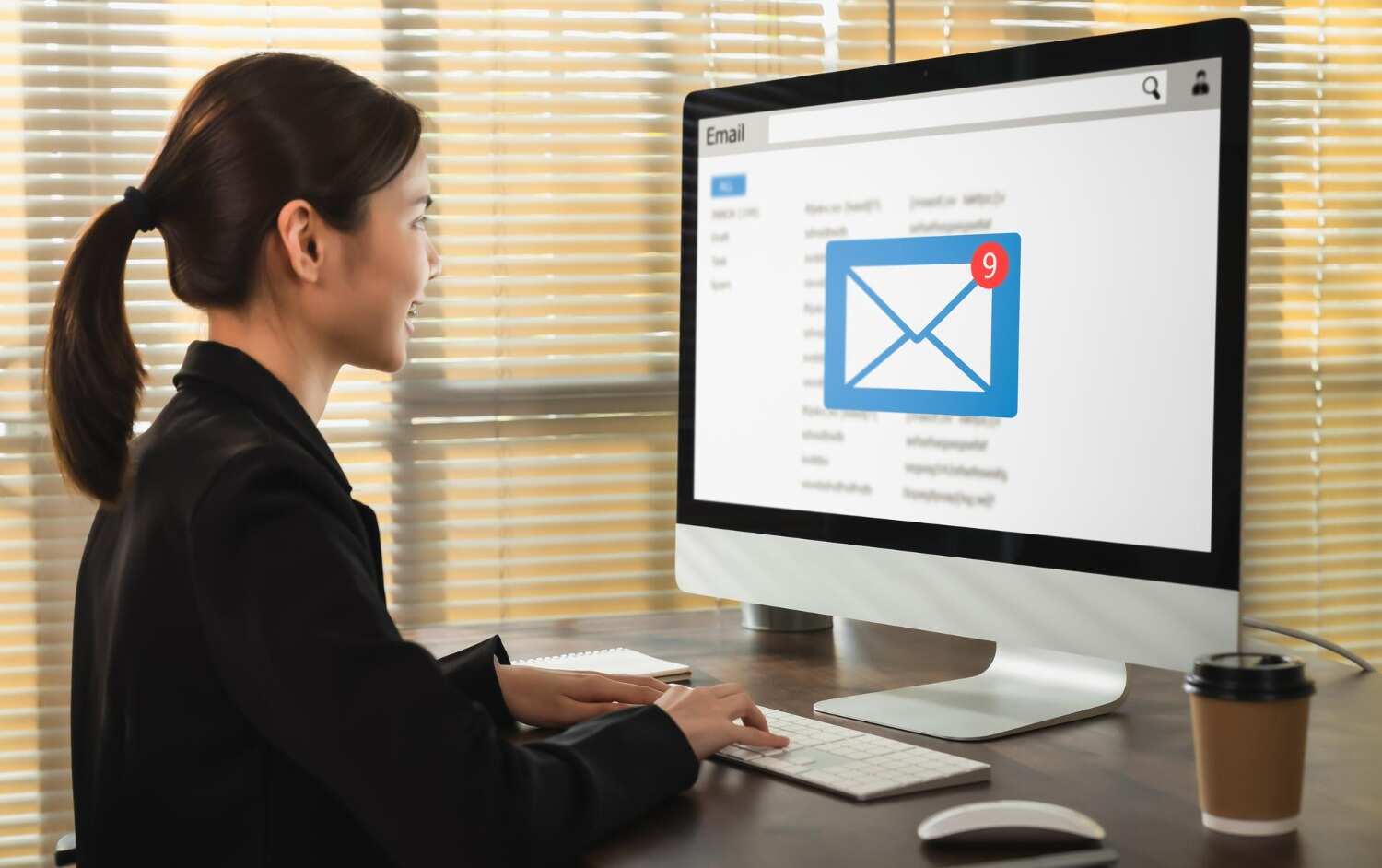
Have you ever felt that sinking feeling, you hit Send, and a second later you spot the mistake in your email? Don’t worry, many do. Wrong date. Broken link, the wrong price. It hurts badly when you send it to the wrong audience in email marketing. When it is on a personal level, it might not be that serious, but sending a professional email incorrectly can affect your audience’s trust, your authenticity and engagement. So, you need to drop immediate correction email to reader.
The best part is how you handle an email correction says far more about your professionalism than the mistake itself. Here you will understand how to send a correction email step by step, when to do, when to leave, email correction subject line and more.
An email correction is a follow-up email sent to your list when a previous email contained a mistake. This error can mislead, confuse, or cause readers to take the wrong action.
That is why you need to send an email correction immediately. However, it depends on what kind of error you have made in your email. short and basic mistakes you can leave, but when they are misleading the audience or confusing them, correct them. A professional correction email protects your credibility and keeps your audience informed.
| Error Type | Send a Correction? |
| Wrong event date or time | Yes – send immediately |
| Incorrect pricing or promotional offer | Yes – legal and trust risk |
| Broken link to a crucial resource | Yes – use link fix or correction |
| Email sent to the wrong audience segment | Yes – especially if sensitive |
| Minor typo that doesn’t change the meaning | No – leave it alone |
| Missing comma or small formatting issue | No need |
| Slightly awkward phrasing | No – no one notice |
Key Rule: If the error changes customer’s action like click, register, buy, or show up somewhere then send a correction. If it is purely cosmetic, leave it alone.
Understand here what the right strategy is to send an email correction that impresses your customer rather than eroding trust.
Once you send a wrong email or a mistaken email, the question arises whether there is a need for correction. first of all, you need to discuss it with your team. This gives them a chance to manage any downstream impact, especially for pricing errors, compliance-sensitive content, or campaigns that touched a large list.
Email correction is only needed in the situations when :
When you have made any of the first three, send the email correction. But if there is only the last one, the correction will draw more attention than the original mistake.
Your subject line is the first signal for your reader that something has changed, and it is important to open up quickly. When you write a vague subject line like “Important Update”, it just creates anxiety without context. Also, it sometimes takes a while to open. A clear subject line builds immediate trust.
Check what formula you need to follow every time:
| Element | Example |
| Prefix | Correction: |
| Original subject | Join Us for Our Annual Product Webinar |
| Final subject line | Correction: Join Us for Our Annual Product Webinar |
Read out how to write an email for correction. Ready-to-use email correction template have made it easy to send; however, never forget to customize and double-check before final send.
Subject: Correction: Updated Date for Thursday’s Workshop
Hi (First Name),
We need to correct an error from our previous email. The workshop is on Thursday, 12 June, not Wednesday, 11 June, as stated earlier.
We apologize for the confusion. Please update your calendar – all other details (venue, time, and registration link) remain the same.
See you there, [Your Name / Team Name]
Subject: Correction: Updated Pricing for the Summer Plan
Hi [First Name],
We made an error in our last email. The correct price for the Summer Plan is Rs. X /month, not Rs. Y/month as previously stated.
We apologize for any confusion this caused. The updated pricing page is now live at: (correct link).
As a thank you for your patience, use code SORRY10 for 10% off your first month.
Best, (Your Name / Team Name)
Both correction email example templates lead with the correction in the first sentence. The apology is one line. There is no over-explaining or blame. Both are scannable in under 10 seconds, exactly what a professional correction email should look like.
These tools do not help in email marketing. Only when you are sending it individually or one-on-one can these tools help. If you spot a mistake within seconds of hitting ‘Send’ on a personal or transactional email, built-in tools may let you pull it back. However, these tools only apply to emails sent directly from your inbox, not to bulk email marketing campaigns.
In Gmail settings (gear icon), you can set a send delay of up to 30 seconds. During that window, a single click cancels the send entirely. This works only for emails you write and send manually inside Gmail. It has no effect on campaigns sent through an email marketig service. When you send via TrueSend or any other platform, their servers handle the sending. Gmail’s delay setting cannot intercept that.
Outlook Message Recall does NOT work for email marketing. The Outlook Message Recall tool attempts to delete and replace a sent message in recipients’ inboxes. It only works when both sender and recipient are on the same Outlook/Exchange system. I set it clear to you that it is useful for internal team emails, not for customer-facing campaigns sent through a marketing platform.
If you sent a bulk email campaign through an email marketig service like TrueSend or any platform, there is no undo, no recall, and no delay option.
The platform’s own servers handle delivery the moment you hit Send. A correction email is the only way to help you, which makes it most important to know.
Although you can send an email correction, it’s best to avoid this step. Make your first email sincere, as it shapes your customers’ perception of you and your brand. Many errors are not even correctable. Building a short pre-send routine into your email marketing service workflow removes most errors before any subscriber sees them. Here is the checklist to notice before sending your final bulk emails.
Besides this, you can simply paste your email into a free AI grammar tool, and it will correct spelling, punctuation, and awkward sentences in seconds. Many of these tools also support multiple languages. Add this quick step before you hit send, and you can catch mistakes that are easy to miss on your own in email campaign.
Sending emails increases engagement in brand marketing, but there are lots of things that you need to double-check and be aware of in email campaign. TrueSend’s ready-made email templates help you to avoid some basic mistakes and to forget any necessary information, as they used to have a specific section to fill in that details. It helps you to make a brilliant email for customers and save time, so you can check it again.
Q: What should the subject line of a correction email say?
Your email subject line should start with “Correction:” then the original subject line. for example – “Correction: Updated Event Time for Friday’s Webinar.” Do not write vague lines, like “Please Read” or “Important Update.”
Q: Can a correction email actually help my email campaign performance?
Yes, when you handle mistakes smartly, it can help in your email campaign. A transparent, professional correction email builds trust. Include some perks like a discount or an extended offer as an apology, which will generate higher engagement than the original send.
How do I professionally say I made a mistake?
Your professional apology email should include 6 ingredients.
When to send a correction email?
As soon as you find a mistake in your email, correct it if needed. Ideally, you should send this correction email within an hour.
Q: Do I need to send a correction email for every mistake?
No. Not all mistakes, like minor typos, commas, or small formatting issues, awkward phrasings, are needed for correction as they don’t affect the core message. Make email corrections only when you sent it to the wrong audience, added a broken link, wrong event date or time, or incorrect pricing.