Physical Address
304 North Cardinal St.
Dorchester Center, MA 02124
Physical Address
304 North Cardinal St.
Dorchester Center, MA 02124

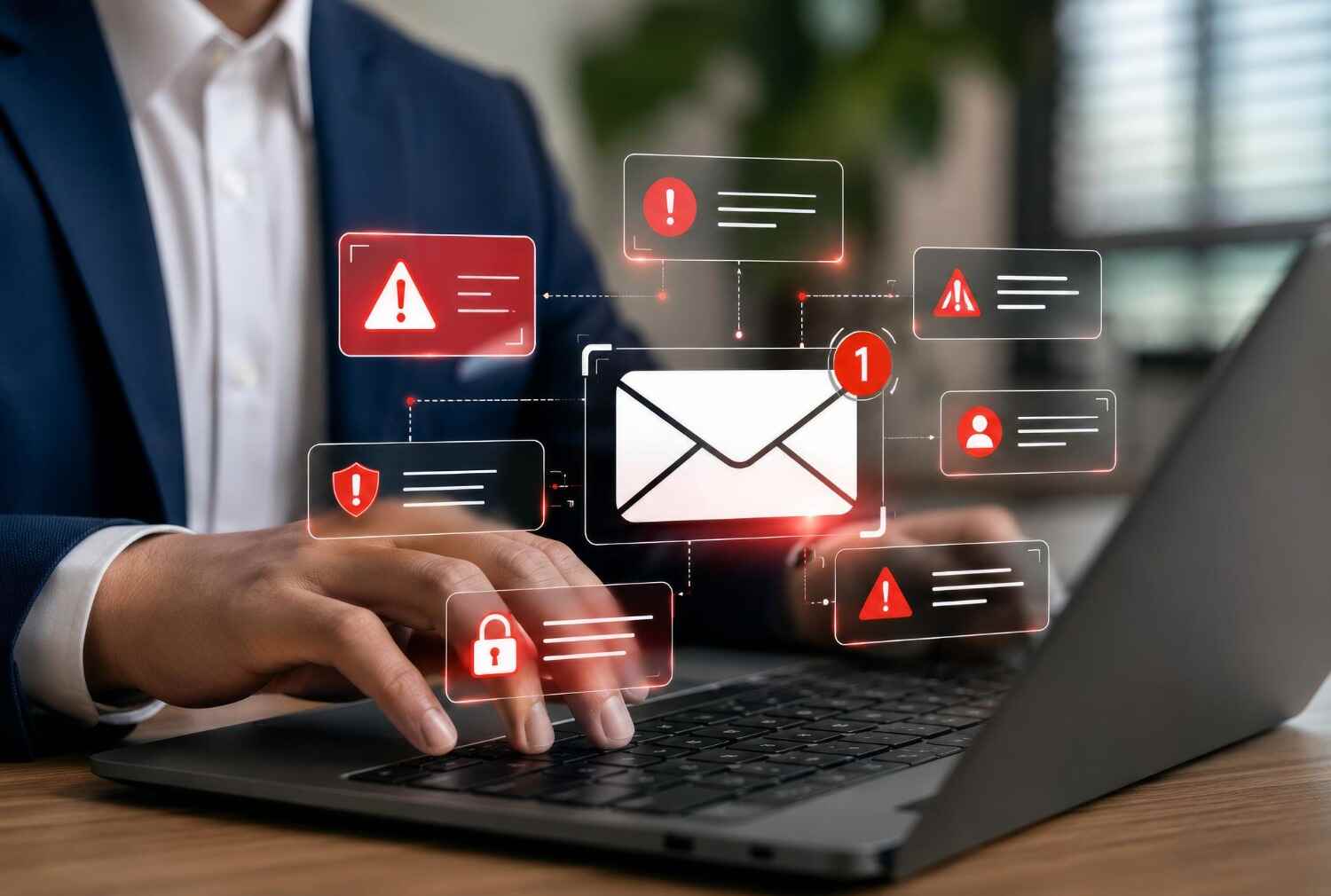
You hit send. The email leaves your server. And then… nothing. No reply, no click, sometimes not even a bounce you notice right away just silence. If you’ve been asking yourself why Gmail is blocking your emails, you’re dealing with one of the most common but fixable problems in email marketing right now.
Gmail now has stricter checks for incoming emails. You must know in email marketing that if your domain misses even one important requirement, your emails can land in spam or be rejected. So, you need to be aware of that. But thankfully, most of these issues are easy to fix and usually require a one-time setup instead of an ongoing headache.
This guide will break down why Gmail blocking emails happens, what the error codes actually mean, and how to get your email delivered again. Let’s continue…
What is Gmail blocking?
If you are the one who is sending emails but not getting them delivered and thinking Why is Gmail blocking my emails? Then you are at the right place. Gmail rejecting emails mainly when it can’t confirm you’re really who you say you are. Along with that, if they find missing or misconfigured SPF, DKIM, or DMARC records behind the majority of blocks, Gmail blocks emails. When your email is beyond authentication, has a high spam complaint rate, a missing one-click unsubscribe link, an unencrypted connection, or a blocklisted sending IP, these are the basic reasons Gmail can block your emails.
Since late 2025, Gmail has become much stricter. Instead of only sending suspicious emails to spam, it now rejects many of them completely. As a result, many senders who had good email deliverability before are now seeing higher bounce rates. Let’s look at the most common reasons Gmail blocks emails and how you can fix them.
If you are worried about ‘why is Gmail blocking my email?’ relax! Here are the 9 reasons that can cause this problem. Take a look so that you can avoid it in the future.
The single biggest reason why Gmail rejects emails is when you have no SPF record, no DKIM signature, or a DMARC record. If your email does not complete email authentication, your email can be rejected by Gmail.
If too many people click “Report Spam” on your emails, Gmail will see your domain as untrustworthy. Aim to keep your spam complaint rate below 0.1%. Even a small increase can hurt your sender reputation and lead to Gmail blocking your emails.
When you are sending marketing emails, it is compulsory to add a clear one-click unsubscribe button according to rules. Without a working List-Unsubscribe header, your recipients will have no easy way out, which pushes them toward the spam button instead.
If you have shared hosting, a previous sender’s bad behavior, or your own sending patterns can land your IP on a blocklist you didn’t even know existed.
If you have a brand-new domain or are sending a sudden 100 emails a day to 10,000, it looks exactly like what a spammer’s behavior looks like to Gmail’s filters.
Gmail now expects TLS on the connection. Plain, unencrypted SMTP gets refused outright in many cases.
When you use a sender name that doesn’t match your actual brand, or use a subject line that is built purely to bait a click, both are non-working elements and can push your email to be blocked.
If your email contains heavy images but light text, or has unapproved attachment types like (.exe or .zip), your email may be blocked by Gmail.
If you are sending to invalid, outdated, or purchased email addresses, it tells Gmail you’re not managing your list responsibly, and it responds by throttling or blocking future sends. In email marketing, you should use list segmentation and personalization to avoid such errors.
When Gmail blocks or defers an email, it doesn’t just fail silently. It hands back a specific error code. If you know it well, it saves you hours of guessing.
| Error Code | What It Means | What To Do |
| 421 (temporary deferral) | Gmail is holding your message back, not rejecting it outright – usually a rate or reputation warning | Slow your sending rate, check your reputation in Postmaster Tools |
| 421-4.7.32 | DMARC alignment is missing or broken, even if SPF/DKIM technically exist | Fix alignment between your From domain and your SPF/DKIM domain |
| 550 5.7.26 | Email is unauthenticated – both SPF and DKIM failed, so Gmail can’t verify the sender | Set up SPF and DKIM correctly for your sending domain |
| 550 5.7.1 | Message blocked due to content or spam-like patterns | Review email content, links, and formatting |
| 550 5.7.515 | Microsoft’s equivalent rejection for non-compliant bulk senders | Apply the same authentication fixes across all providers, not just Gmail |
A 4xx error means Gmail is asking you to try sending the email again later because of a temporary issue. Simultaneously, a 5xx error means Gmail has rejected your email completely. To send emails successfully again, you need to fix the underlying problem, such as your email authentication or sender configuration.
Before you randomly start changing settings, you need to find out exactly what’s failing that emails not delivered to Gmail.
If you’re sending 5,000 or more emails a day to personal Gmail addresses, you’re classified as a bulk sender. Then Gmail’s rules apply at the organizational domain level, not just to individual mailboxes. Take a look at what’s mandatory now:
Since November 2025, Gmail has confirmed permanent rejections for domains that fail these checks, rather than just filtering them to spam. That’s the real shift behind why so many senders who had no issues in 2023 or 2024 are getting email blocked notices in Gmail now. Even if you send less than 5,000 emails a day, failed email authentication can still cause Gmail to block your emails.
Here are the solutions for how to fix Gmail blocking.
Don’t just check that the DNS records exist. Make sure your From domain, DKIM domain, and return path all match. Many bulk email senders miss this, which can lead to Gmail blocking their emails.
This alone minimizes your spam complaints significantly. Because every reader will have an easy exit “Unsubscribe” instead of hitting “Report Spam.”
You should cut off invalid email addresses, unengaged subscribers, and hard bounces regularly and keep your email list clean. A smaller but engaged list performs better than a larger but not planned one.
Always ramp up sending volume gradually instead of jumping directly to full volume. When Gmail sees a sudden spike in email volume, they consider it spam and block emails.
Transactional emails and marketing emails can be sent separately. If you send them through the same email stream, it can hurt your sender reputation and make Gmail trust your emails less.
You should send emails from your dedicated subdomain because it isolates your sending reputation from your main domain, so a rough patch with one doesn’t damage the other.
Most Gmail blocking issues happen because businesses don’t check their email setup regularly. If you are thinking that you have configured SPF and DKIM correctly today, let me tell you that a DNS update, new email tool, or added subdomain can break them later. That is why you should check your email authentication regularly to catch problems before your emails start bouncing.
This is where TrueSend takes the manual guesswork out of the picture:
The goal isn’t just to fix a block after it happens but to catch the warning signs.
Gmail blocking emails isn’t a mystery, and it isn’t personal, but it’s a compliance checklist. Get your SPF, DKIM, and DMARC properly aligned, keep your spam complaints low, give recipients an easy way to unsubscribe, and monitor your reputation before problems show up as rejections. Do that consistently, and Gmail has no reason to block you.
What does “email blocked” mean in Gmail?
Email blocked means Gmail rejected your email. There could be multiple reasons behind it, such as failed authentication, a poor sender reputation, or a blocked IP. Gmail blocking email is different from spam filtering, as a blocked email never reaches the inbox or the spam folder at all.
Why is Gmail suddenly blocking emails?
Gmail has now become stricter with its recent email marketing rules. Before, it only caused temporary delays in 2024, but now, in 2025, they may lead to permanent email rejections. If your email authentication setup worked before, it may no longer meet Gmail’s current requirements.
How do I know if Gmail blocked my email specifically, versus routing it to spam?
You need to check your bounce logs to find the issue. A blocked email usually shows an error code (such as 550 or 421) right away. On the other hand, spam filtering works differently: the email is delivered, but it goes to the spam folder instead of the inbox, and you won’t receive any bounce message.
How long will it take to fix a Gmail block?
When you need to do email authentication fixes (SPF, DKIM, DMARC), it can take effect within a few hours once DNS propagates, though it can take up to 48 hours in some cases. Simultaneously, when you are dealing with reputation-based blocks, which are tied to a blocklist, it can take longer. Sometimes, it can take weeks since you need to demonstrate sustained good sending behavior first.
How can I unblock my Gmail account?
Follow the process step by step to unlock a Gmail account: