Physical Address
304 North Cardinal St.
Dorchester Center, MA 02124

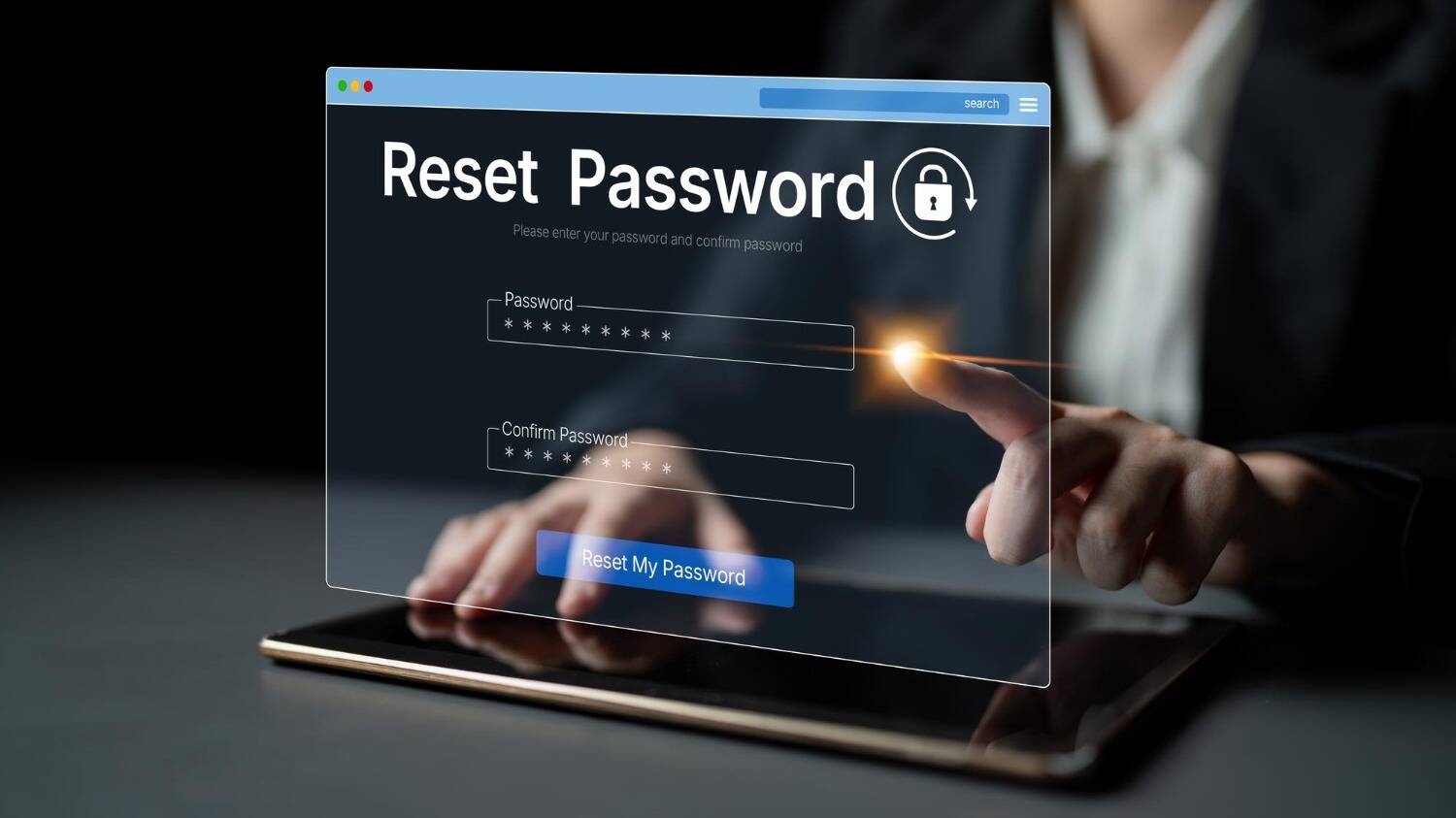
You want to access your account. Unfortunately, you have forgotten your password. We understand how annoying it can be. But don’t you worry? That’s where a password reset email comes to your rescue, or better yet, to transform the frustrating experience into a seamless one.
In general, these emails contain instructions on how to reset the password of your email account. They will also include a link that requires you to complete the action. Moreover, such emails may include extra security measures. These include an expiry date and/or a code to be entered for process completion.
Forgot the password to your email? Uh-oh! Nobody wants to encounter such a nerve-racking experience. It can be a hassle; however, there are ways you can reset your password. A forgot password email is sent to users when they request a new password.
So going forward, if you somehow forget your password and find yourself locked out of your account, you just need to search for the password reset email in your inbox. It’s a seamless way to access your account.
Let’s dive right in.
Table of Contents
Toggle
A password reset email is an automated email delivered by a business website or any online service. These emails are sent upon user request to help them reset their forgotten email account password. A user receives this email when they click a link, including “Forgot Password.” Such emails are generally found on a website’s or online service’s login page.
These emails usually contain a link that allows the user to reset their email password. It may also contain a security code that the user has to enter on the website to reset the password. Sometimes you will see a “Do not reply” notification. You may even find a link to the company’s privacy policy or information about the validity of the reset link.
It usually appears as follows:
Dear [Customer Name],
We have received a request to reset the password for your account. Please ignore this email
if you did not make this request.
Click the following link to reset your password:
[Reset Password Link]
This link will expire in 24 hours.
If you have any questions, don’t hesitate to contact us at [email address].
Sincerely,
[Your Name]
Every email account requires a password for owner authentication. Despite the routine and highly transactional nature of password reset emails, they also play an important role in the customer experience.
You value your customers, and they need assurance that you’re managing their personal data with utmost care. You will only grant access to the authorised account owner.
Many e-commerce platforms dedicate their entire password reset email to secure password reset email best practices. They help keep your user account out of harm’s way with recommendations on how to create a strong password for your account.
Password resets are one of the most important and common customer touchpoints. While your email marketing helps jumpstart a customer journey, transactional emails like password resets are crucial in maintaining and sustaining existing relationships.
Password resets take place every second of every day. Most customers know what to expect in a password change email. They are familiar with the account restoration process. With this in mind, it is wise to stick with what works in your favour rather than going overboard.
The ideal password reset email should contain the following elements:
Here are some critical components that every password reset email must contain:
Plain text emails deal with the backward password engine. However, it’s common and important enough to deserve attention in this context.
Including plaintext credentials in a transactional email indicates a fundamental flaw in the underlying authentication architecture. While rectifying this requires backend refactoring, transmitting passwords via email represents a critical security vulnerability.
Instead of passwords, emails must deliver temporary, safe URLs.
A password reset email is the ultimate phishing email. In some scenarios, phishing emails do an impeccable job of replicating the sender’s brand. But other times, they’re unstructured.
If you’re sending a password reset email that consists of disorganised text and an awkward URL with a randomly generated token, people will feel hesitant about whether they can rely on it.
Needless to say, if the customer just requested the email, they won’t feel anxious about it. However, that should not always happen. Where it seems feasible, include suitable information to help your emails stand out from phishing attempts.
One bottleneck that can lead to problems with a password reset email is slow sending speeds. As a golden rule, if it’s taking more than 20 seconds for an email to arrive in an inbox, it is slow. If it takes more than 60 seconds, you might lose your customers (as they may not come back), or they will drop an email to the support team. Both outcomes are detrimental to your business.
You must partner with a reputable email service provider like TrueSend, which can send emails quickly and dependably. That’s because slow sending can negatively impact your reputation. Moreover, it can create extra work for your team.
At face value, email providers may seem like they provide their customers with a commodity service. However, once you delve into their performance, credibility, and deliverability, you will soon find out that’s hardly the case.
The moment customers need access to their account, they will usually ask for a password reset. This signifies the quicker the email arrives in their inbox, the better it’s for them.
Make sure your email deliverability is top-notch so your emails land in the inbox. To ensure you get unmatched inbox reach, using a reliable email service provider like TrueSend is essential. Such providers are tuned for optimum performance.
Not only will TrueSend help keep your domain reputation high, but it will also track for blocklist activity. Moreover, it allows for safe and powerful configuration with email authentication.
You can find many password reset email best practices that you should follow to boost and maintain your email deliverability.
Experiencing fuss while resetting a password is the last thing people want. Keep your password reset email short and to the point.
See this streamlined version that describes what happened and what the customer needed to do next.
Hey John,
We received a request to change your password.
Click the link below to change your password.
Link:
The link is valid for two hours.
Didn’t request a password change? Please ignore this message and continue using your current password.
Sincerely,
[Your Name]
The email to reset a password must have clear and recognisable headers to reassure customers that it’s not a phishing email. Consider using an impactful subject line and drop the no-reply address for a real email that can be replied to by recipients.
For example, a reputable online delivery service ticks every right box here. There’s no question that they sent this email. Not only is their subject line clear, but the logo is shown saliently in the inbox. Moreover, there is an authentic email address one can reply to.
Hey Sonika,
You asked, and we delivered. Now, let us help you get a new password.
Click the link below:
Reset my password.
Sincerely,
[Your Name]
A trusted password reset email shows a single CTA button or link. Ensure that there are no other CTAs customers may find confusing. Such CTAs distract customers and prevent them from achieving their goals. Add an easy-to-copy reset URL, as it will be helpful in case people are not able to click through to the browser.
Is the individual who’s resetting their password really the one who they say they are? To keep hackers in the dark, ensure that you don’t confirm or deny the existence of an account on the reset password page.
Does the account exist? If not, the request for a password reset may not always be fraudulent. Maybe the user really forgot which email they signed up with. So, you must always deliver an email, adapting the content based on whether or not the account exists.
One of the best password reset email best practices is to keep these emails focused on their functional purpose. Keep them simple and cut to the chase. However, that does not mean they have to be boring.
Keep in mind that transactional emails make the most of a 100% open rate. That’s because people have to open their emails. Make this opportunity work to your advantage by showcasing your brand voice and reminding people why they admire you.
Do you know what ensures the broadest possible reach for your customers? It’s by sending not only an HTML email, but also a plain text email. In addition, you will enhance your delivery rate because spam filters are likely to see HTML-only emails as a red flag.
Forgetting about password reset emails once they have been designed and implemented is easy. Remember to test deliverability and functionality at regular intervals. In addition, it is wise to update them along with changes to your brand identity and support team information.
Approximately 50 to 60% of email opens occur on mobile devices. With the urgency that comes with a password reset email, you don’t want to suppress the user experience with an email that’s not responsive. Ensure password reset emails display properly across various devices and email clients.
By now, we have understood how significant password reset emails are. So, it’s vital to make sure the maximum number of recipients can access and read them, irrespective of their abilities or disabilities, or the assistive devices they might be using.
Use the following templates that will help you reset your password emails.
Email 1
Subject: Reset your [App name] password
Hi [Customer name],
Click the link below to reset your password.
URL to reset the password.
If you did not request a new password, kindly ignore this email.
Need support?
Contact our expert customer support team [Link to support page].
Email 2
Subject: Request for [username]’s password change
Hello [Username],
You received this email because you requested to reset the [App name] password.
Click on the link below to reset your password.
URL: [password reset]
Password reset not requested? No problem! Kindly ignore this email and use your current password.
Should you need assistance, please feel free to reach out to our customer support team [Link to support page].
Save this checklist so you can always refer back to it when needed. It will help you create your password reset emails. This will give your users a seamless experience.
It’s easy to overlook password reset emails and write them off as boring, functional emails. Give them a closer look, however, and you’ll be rewarded with opportunities to share your personality, build relationships and drive conversions.
Ignoring a password reset email and writing it off as a boring email is easy. Make sure you take a close look at these emails. This will give you opportunities to showcase your personality, boost conversions, and ultimately build lasting relationships.
1. How soon should a password reset email be expected to arrive?
Make sure you send password reset emails promptly. That’s because a delay in receiving th email can leave users frustrated and lead to abandoned login sessions.
2. What’s the validity for a password reset link?
Set password reset email expiration time between 15 and 60 minutes. This will align a seamless user experience with domain protection.
3. What are the essential elements of a password reset email?
Include a standout reset button, expiration window, fraud alert, and clear contact link for unauthorised requests.
4. Do I need to include the user’s username in password reset emails?
Yes. Including the user’s username helps confirm their identity. Moreover, it enables them to manage different accounts.
5. How to make sure that password reset emails don’t end up in spam?
Avoid password reset emails ending up in the spam folder by keeping the copy crisp and minimal. Also, focus on using dedicated transactional IPs.