Test and Optimize Email Code with HTML Checker
Good design alone cannot save a broken email; you need more. Detecting HTML coding errors, missing tags and image/layout issues made easy with an HTML email checker.
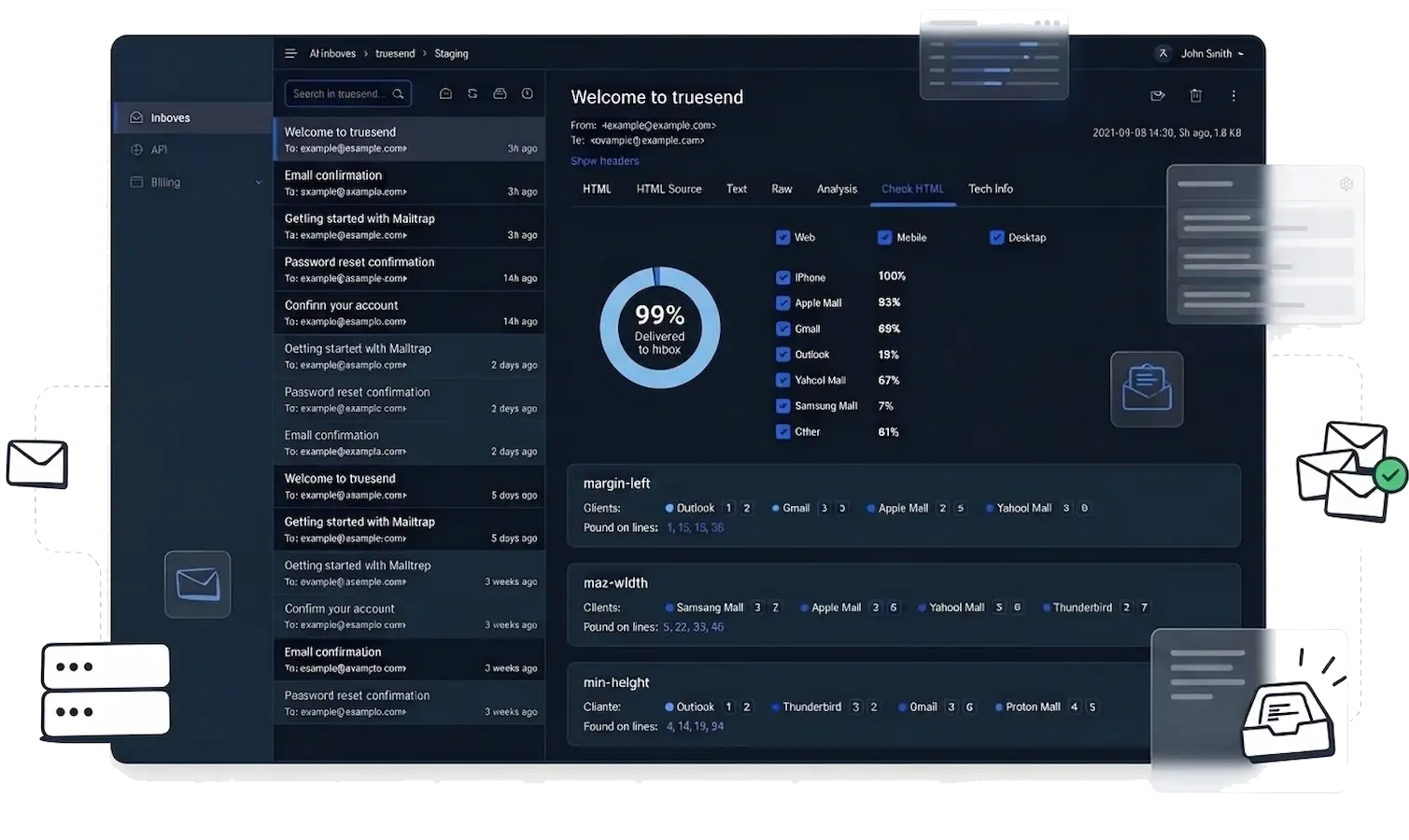
Good design alone cannot save a broken email; you need more. Detecting HTML coding errors, missing tags and image/layout issues made easy with an HTML email checker.
It's high time to validate your email code, detect rendering issues, and improve inbox compatibility strongly. We have all you need inside the HTML checker.
No more code errors to affect your email. Our HTML checker stands by your side to check broken tags, unsupported CSS, and layout issues before you send.
Act smart and preview first how your emails will appear on desktop, mobile, and different screen sizes. No mistakes for later.
At trueSend, you can easily check if your email is compatible with major inbox providers like Gmail, Outlook, and Yahoo Mail. It keeps every design consistent.
Find instant solutions on how to fix HTML issues, improve deliverability, and optimize email performance.
No hassle, just simple steps at Truesend. Launch flawless email campaigns and remove errors from the root.
Open the HTML checker and upload your email template or code to it.
You will see broken HTML, unsupported CSS, and layout problems right inside the checker.
Optimize your email layout, apply fixes, and you are ready to send emails with better inbox compatibility.
Plug HTML validation straight into your workflow and let every email template get checked for errors, layout issues, and inbox compatibility before it ever reaches your audience.
Compare Plans// Node.js HTML Checker API const axios = require('axios'); const response = await axios.post( 'https://api.truesend.io/v1/html-check', html: '<html>...your email...</html>', clients: ['gmail', 'outlook', 'apple_mail'] headers: 'Authorization': 'Bearer ts_api_key' console.log(response.data.score); // → 94.5 (out of 100) console.log(response.data.issues); // → [{ client: "outlook", rule: "no-flexbox" }]
A complete set of built-in tools that work together to validate, test, and refine your email HTML before sending.
Now, deep-scanning of your email code is simple. Fix broken tags, missing elements, and structural issues in minutes.
Watch how your email appears across different screen sizes and email clients, and check spot layout issues early.
Analyse CSS support and email client compatibility to tackle display problems for major inbox platforms.
Everything you need to know about TrueSend's HTML Email Checker