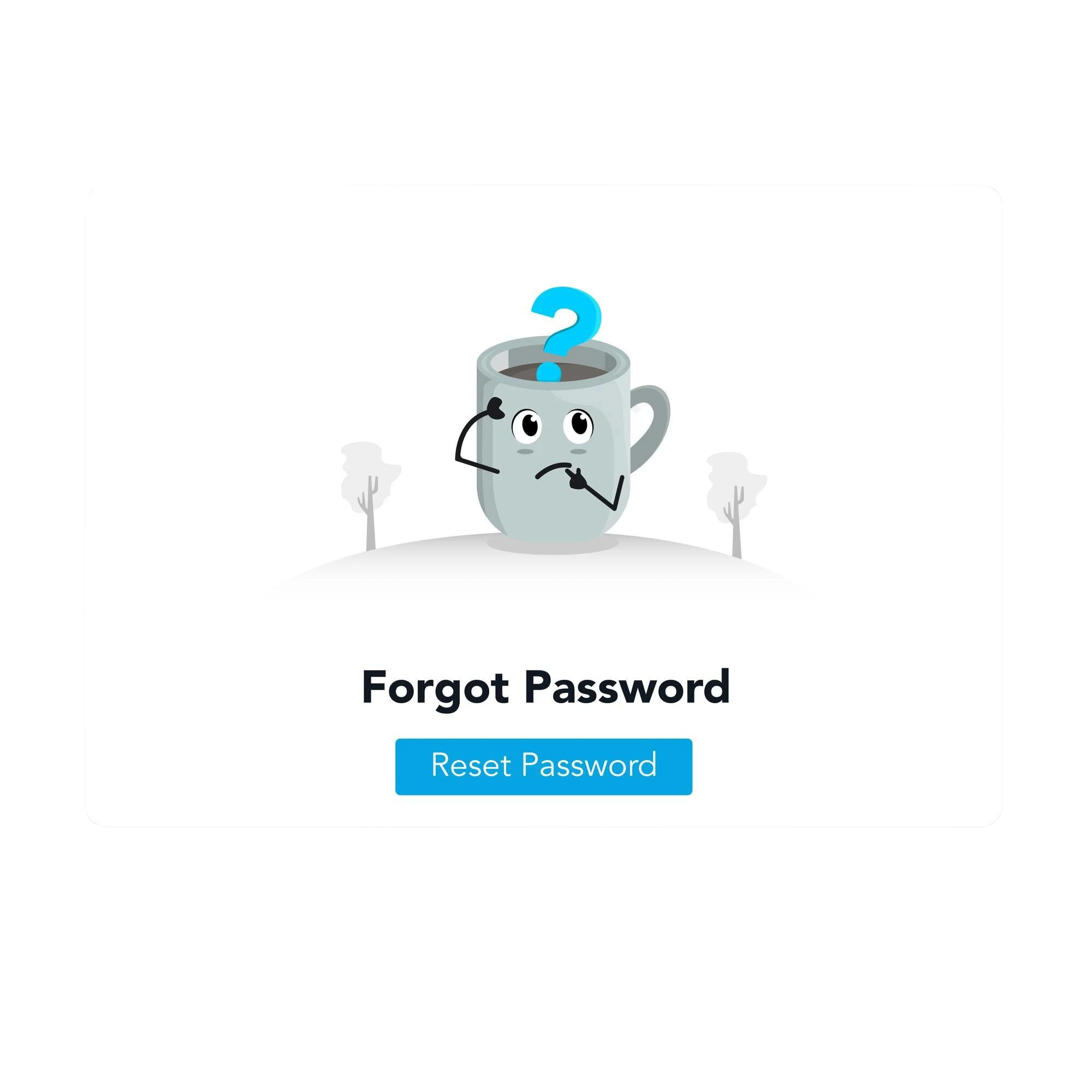
Reset Password Email Template

Locked Out? Your
Email Should Fix It Fast

Pre-built reset password templates simplified the process. Now, resetting doesn't take time because the brand has sped up the process. Send it under 0.3 seconds with a time-limited link and full mobile optimization.

Reset Password Email Template
Secure Link Sent
Expires in 30 minutes
Delivered Instantly
0.3s avg. delivery
Password Reset
User verified ✓
Interactive Preview

Unlock the Template That Keeps Things Simple

We aim to make customers reset passwords instantly with a clear, simple process. Switch between
design, mobile, and code view. Every element supports quick, secure action.

app.truesend.com/templates/reset-password
Design
Mobile
Code
YourBrand
🔐
Reset Your Password
We received a request to reset your password
Hi Sarah,

We received a request to reset the password for your YourBrand account. Click the button below to set a new password. This link is valid for 30 minutes.

Reset My Password
Security Information
This link expires in 30 minutes
Request made from: Chrome on Windows
Location: Mumbai, India

Didn't request this? If you didn't request a password reset, you can safely ignore this email. Your password will not be changed unless you click the link above.

Stay safe,
The YourBrand Security Team

© 2025 YourBrand · 100 Market St, SF, CA
Unsubscribe · Privacy Policy · Security Center

✦ YourBrand
🔐
Reset Your Password
Secure link inside

Hi Sarah, we received a request to reset your password. Click below link expires in 30 minutes.

Reset My Password →

⏱ Link expires in 30 minutes

Didn't request this? Ignore this email safely your password won't change.

© 2025 YourBrand Unsubscribe

HTML
<!-- Reset Password Email Template -->

<table width="600" cellpadding="0">

  <tr><td style="background:#1d4ed8;

     padding:36px;text-align:center">

    <h1 style="color:#fff;font-size:24px">

      Reset Your Password 🔐

    </h1></td></tr>


  <tr><td style="padding:32px">

    <p>Hi {{first_name}},</p>

    <p>Click the button below to reset your

    password. This link expires in

    {{expiry_time}}.</p>


    <!-- CTA Button -->

    <a href="{{reset_url}}"

       style="display:block;

       background:#2563eb;color:#fff;

       padding:15px 28px;border-radius:10px;

       text-align:center;font-weight:700;

       text-decoration:none">

      Reset My Password

    </a>


    <!-- Safety message -->

    <p style="font-size:13px;color:#94a3b8">

      Didn't request this? Ignore safely.

    </p></td></tr>

</table>
Built for Trust

Complete Toolkit in one place.

Make the process consistent, reliable, and simple with our all-in-one platform.
Our target is your comfort. no confusion, no delay.

Security-First Design
99%

We keep our users' data protection at the top. Thus, our ready-to-use email templates are smartly designed for every sensitive task. Now you can enjoy clear instructions, trusted layouts, and secure reset routines at TrueSend.

  • time-limited reset link
  • expiry and security instructions
  • clean structure to secure sensitive data
  • space for branding and trust signals
Instant API Trigger

It takes no more than 0.3 seconds the moment the user requests. So the process is so quick and seamless for smart emailing. This real-time response improves user experience and reduces drop-offs during account recovery.

Fully Customizable

TrueSend respects your choice. That is why we offer templates that you can use to easily customize as per your needs and match your brand voice, design, and product flow instantly. You get full control without starting from scratch.

Mobile Optimized

Approximately 80% of people open emails from their mobile devices. So we brought themes/ templates that look great on all screens, including mobile. Let's make the reset procedure quick, smooth, and easy to complete at any time.

Built-in Analytics

Track open rate, link click rate, and reset completion. Know exactly where users drop off in your recovery flow.

Use Cases

Right Moments to Send a Password Reset Email

Send the reset password email at the right time with the correct templates.
Check what the occasion is to explore our templates.

1
User requests a reset once Forgot Password.
Sent instantly when a user clicks "Forgot Password". Help them securely regain access to their account in just a few steps with ready-made email templates.
Self-Service
2
Suspicious or unusual activity detected
Resetting the Password is crucial when unusual login behavior is noticed. Prompt users to reset their Passwords and protect their accounts immediately. No delay because your templates are ready.
Security Alert
3
Multiple failed login attempts
No more failed logins with specifically designed templates. Time to send your user's reset password email after several incorrect password entries. Guide them on how safely they can get access without further lockouts.
Enterprise
4
Account lockout or recovery
Once a user's account is temporarily locked, you help them verify their identity and restore access quickly with a reset password email.
Incident Response
Reset Password Template Preview

Why choose “no general templates but specific ones

A single general template for all won't match different situations like forgot Password, account lock, or suspicious activity. Your specialized email templates give better clarity, security, and user response.

Use This Template →
In-Depth Guide

Reset Password Email Templates: Security, UX & Deliverability Impact

Reset password email templates simplify email marketing automation, transactional emails, and SaaS security systems. With ready-to-send templates, you can send fast, clear, and secure password recovery emails and improve user experience when they struggle with login issues in no time.

When you use a password reset template, you are upgrading your brand email campaign. You can maximize trust with secure reset links, expiry notices, and clear single CTAs. Besides this, you get support in better email deliverability and inbox placement by following authentication best practices.

These templates are strategically optimized for mobile and quick action, and reduce support requests. You receive improved customer retention and make the account recovery process smooth and reliable.

FAQ

Frequently Asked Questions

Everything you need to know about reset password email templates

Reset Password FAQ
How long should a password reset link stay active?
Most secure systems set expiry between 10 minutes and 24 hours, depending on the use case.
What should a good reset password template include?
It should include a reset link, expiry notice, security message, and simple instructions.
Can I customize reset password templates?
Yes, you can customize the templates at TrueSend with your brand design, tone, and messaging to give it a personalized touch.
Can I connect reset password templates with my system?
Yes, you can integrate your reset password templates using APIs to trigger emails automatically.
Are reset password templates the same for all industries?
No, they change a bit based on the industry, but the main reset process stays pretty much the same everywhere.

Deliver Your Best Work With TrueSend

  • No Credit Card Needed
  • Unlimited Time On Free Plan