Automate Email QA Testing with Full Quality Assurance
Explore comfortable and automated error detection before your email hits the user's inbox. Our advanced QA supports API testing, automated workflows, and pre-send approvals all in one place.
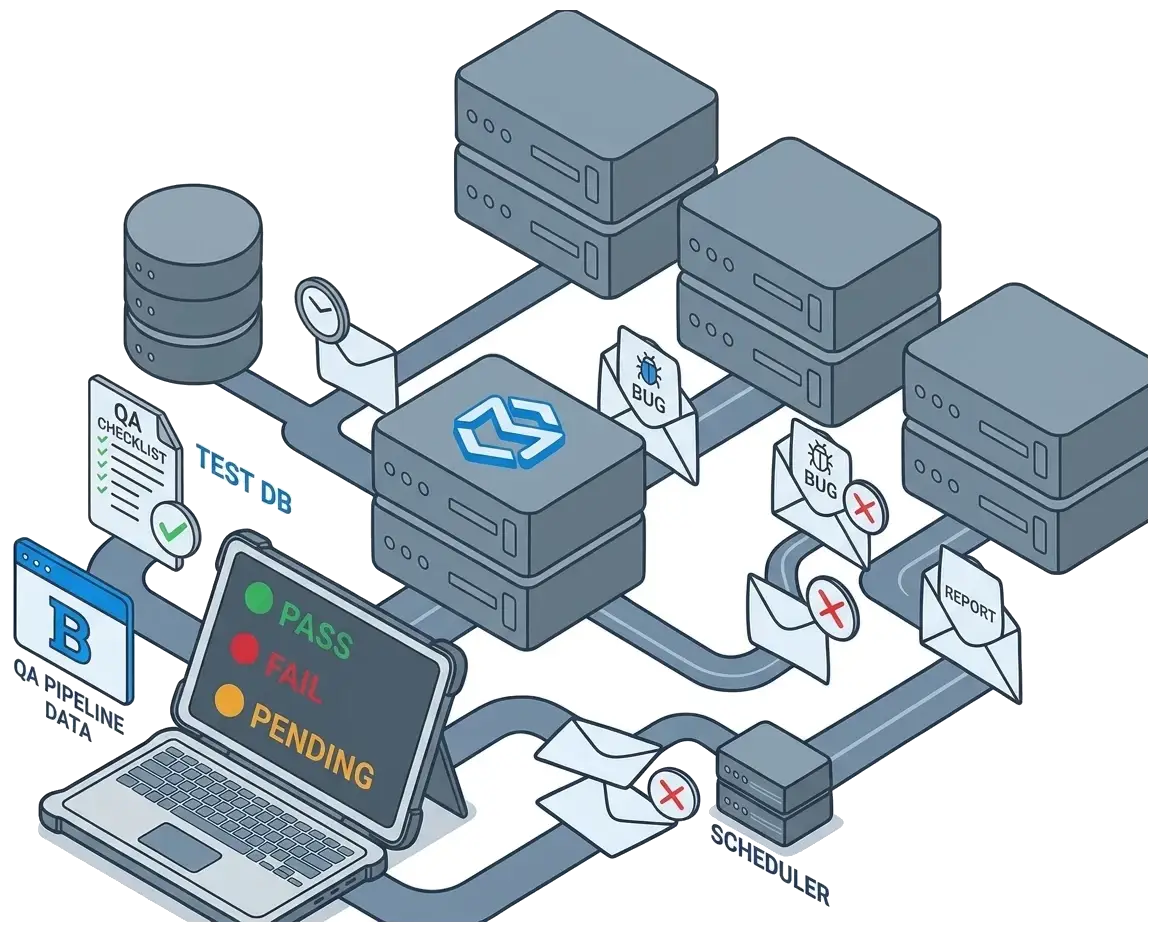
Explore comfortable and automated error detection before your email hits the user's inbox. Our advanced QA supports API testing, automated workflows, and pre-send approvals all in one place.
TrueSend gives you a complete QA automation toolkit to test, validate, and
send error-free emails from one platform.
Skip manual checking of each email every time and shift to automated tests. It runs on its own and inspects multiple types of emails at once before you send them - password resets, order confirmations, newsletters.
Detect spam triggers and improve inbox placement before sending.
Run automated email QA directly inside your workflows with our simple APIs.
Check layout, structure, and design consistency across all major email clients.
Check how your emails display on Gmail, Outlook, Apple Mail, and even mobile devices in just one click, or when they hit the reader's inbox.
Verify all the links, personalization fields, and dynamic content, so that you perform ahead to prevent errors in live email campaigns.
It takes a maximum of 10 minutes to set up QA automation email testing. Check the simple 3 steps:
To let TrueSend run automated QA checks, you'll need to connect your email marketing tool through an integration or API.
Now turn on "Checks" and test spam score, HTML issues, broken links, and personalization errors.
Set up QA automatically before every send. It will catch errors and approve safe campaigns.
TrueSend helps you run automated email tests just like unit tests in software. Check content, HTML, and spam score all in one place. Make your campaigns accurate, clean, and ready to perform.
Compare Plans// Jest + TrueSend Testing API const TrueSendTest require'truesend-testing' describe 'Welcome Email' it 'should send welcome email' async await triggerSignup 'user@test.com' const email = await TrueSendTest waitForEmail to 'user@test.com' expect email. subject
Test and validate emails before sending. Now catch the mistakes before your reader does, improve email campaign consistency and deliverability, and eliminate manual effort with a QA automation toolkit.
You can detect broken layouts, missing tags, and rendering issues before your email is delivered into the reader's inbox.
Learn MoreScan email content for spam triggers and deliverability risks instantly. It's time to improve inbox placement and campaign performance at the right time.
Learn MoreNo more faulty emails with A/B Testing. Send only what actually works. Test your subject line, full content, and forward only the best version.
Learn MoreEverything you need to know about email QA automation with TrueSend