Make life simple with Effortless Web Form Builder
Get your form ready in minutes with our online web form builder. Easy to customize and no coding required. Try it for free!
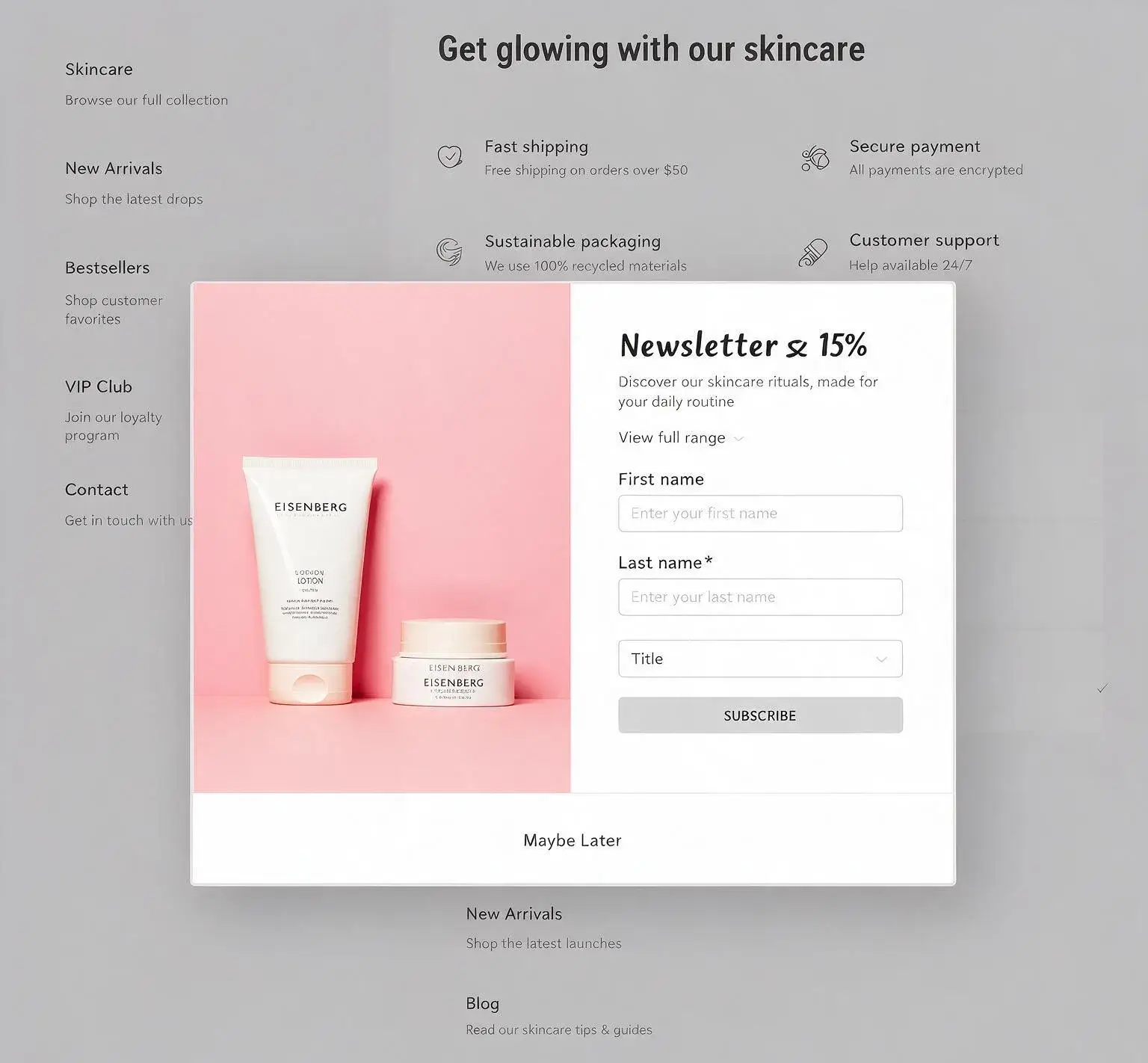
Get your form ready in minutes with our online web form builder. Easy to customize and no coding required. Try it for free!
Building forms is easier than you think. Follow these three simple steps and get your form live without hassle. No coding needed.
Open the visual editor and start from scratch. Drag and drop fields into place so the form matches your brand.
Embed the finished form on your website or blog. Turn on automated follow-up emails for every submission. Time to enroll new contacts in a nurture campaign to turn visitors into customers.
Add the email IDs that should get a real-time alert on every submission. Then use conditional logic, dynamic fields, and multi-step forms and keep things short and cut down on abandonment.
We have all your online form builder needs. From tools to fetching results, we let you grab real results that your email marketing deserves.
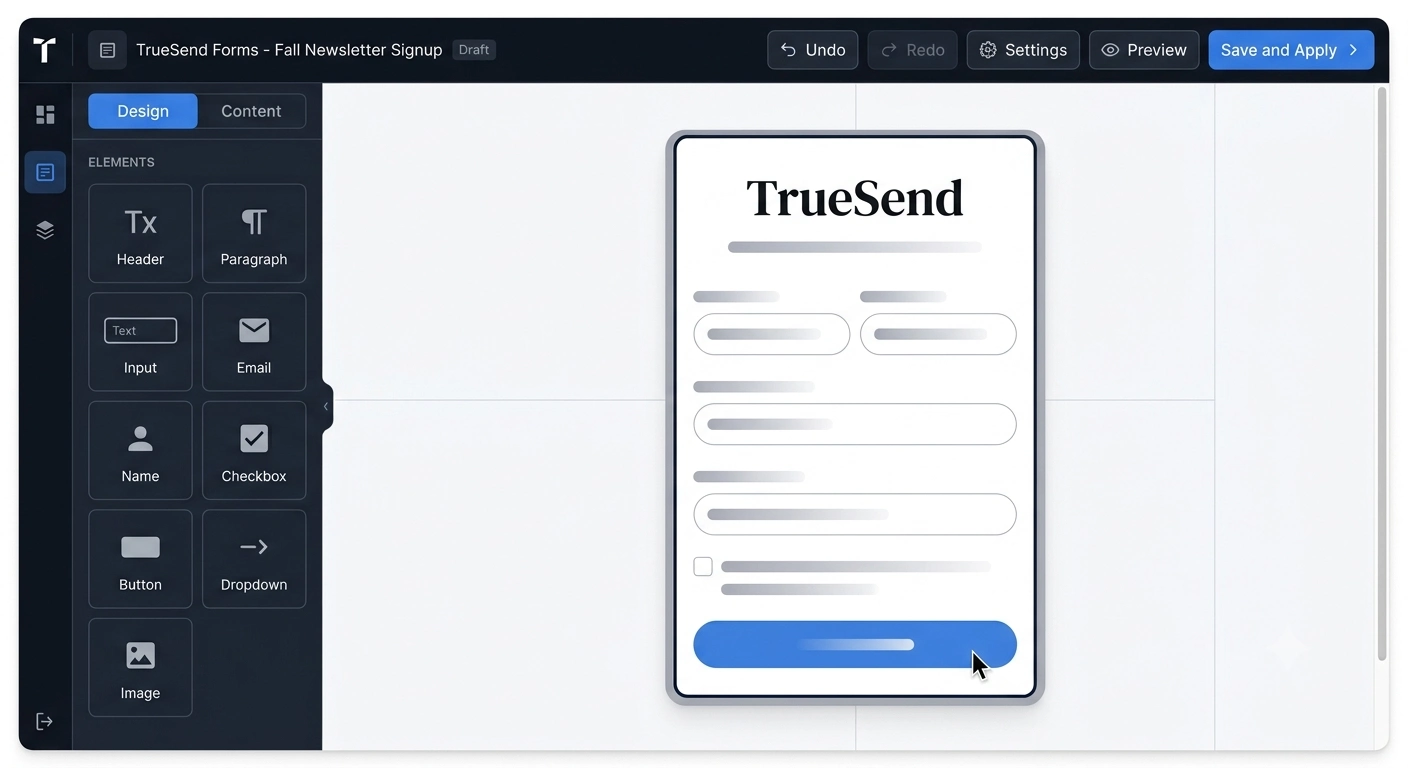
Give your web form building a new height with our advanced features. Our web form builder helps you identify the real audience with real data. No robot can crack your form.
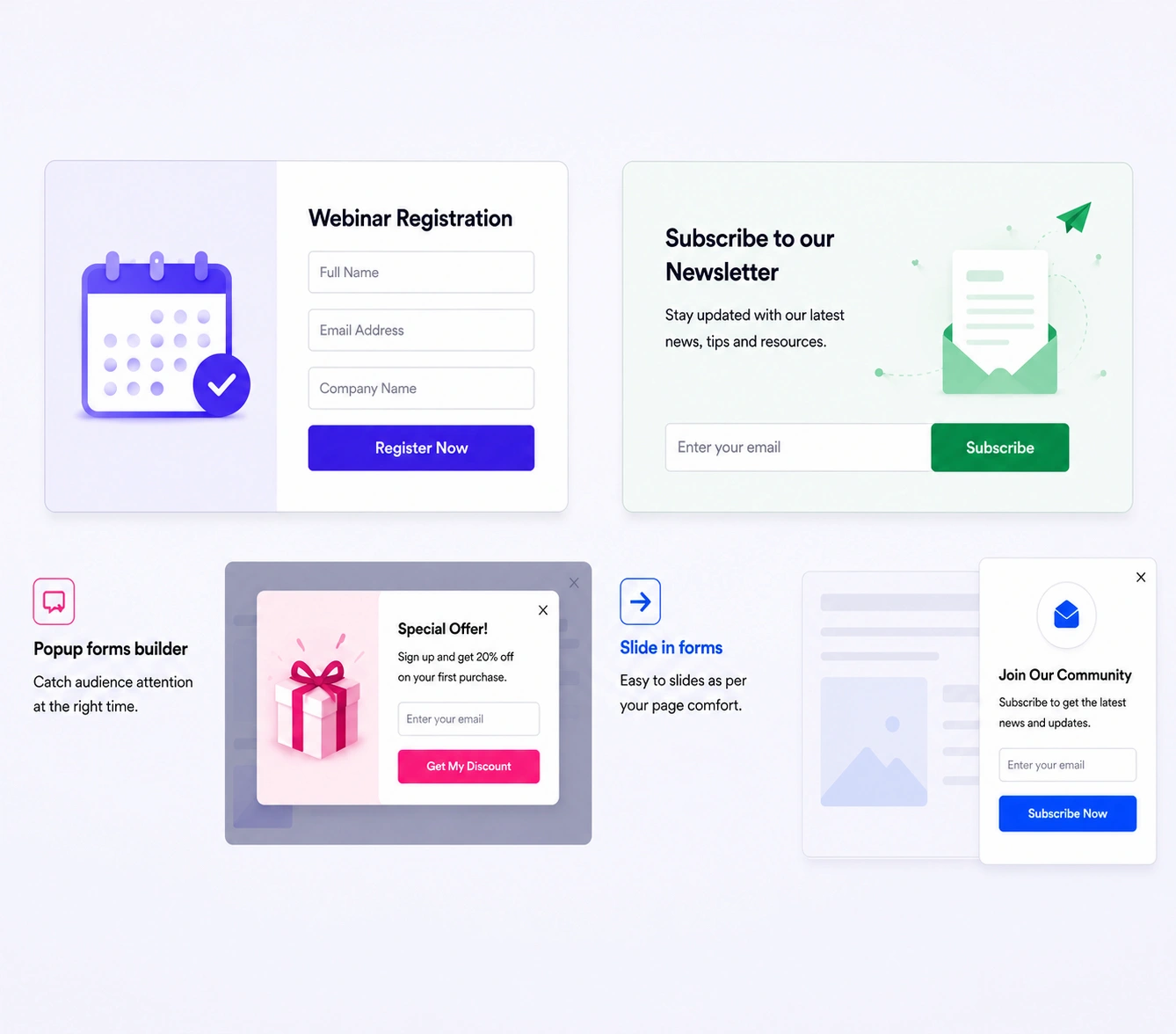
We give our customers result-oriented forms. Whether it is a slide-in form builder or an exit-intent popup form, we have a variety of attractive forms that build trust.
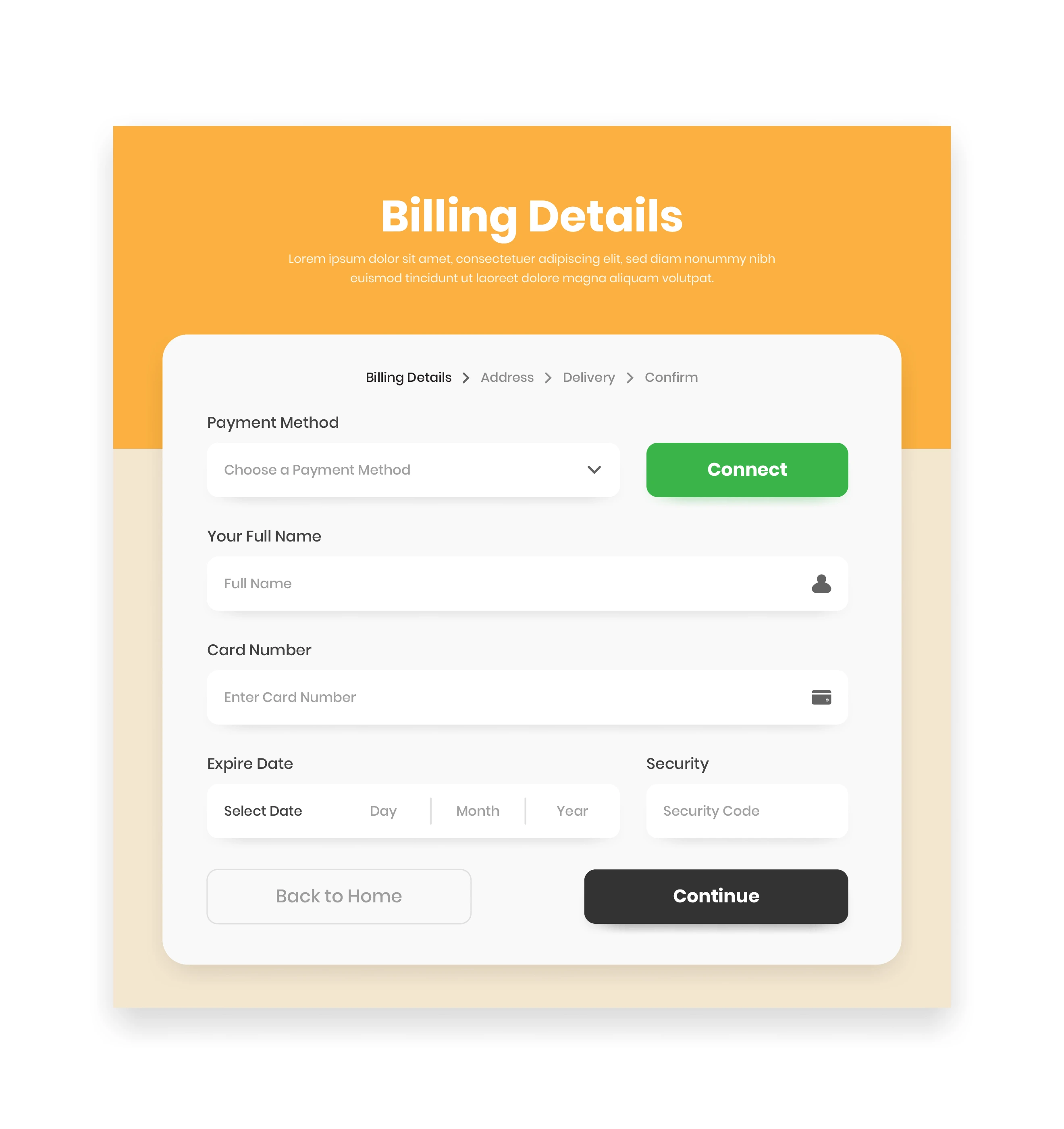
Not just a common type of web form, but you can explore diverse layouts of forms that can cater to multiple industries and audience types. Get your attractive web form ready in minutes.
Want to Know More?
Some questions most marketers never stop to ask, and that are 'when open rates are low, your unsubscribe rate keeps creeping up, or your automations feel like they're talking to strangers, what do you think? Is that really an email problem? More often than you'd think, it's the form.
The quality of your list - how engaged, how relevant, how ready-to-buy your subscribers are - all gets decided the moment someone fills out a form, long before your first campaign ever lands in their inbox. A web form builder isn't a side tool. It's the front door to your entire email strategy.
A lot of tools give you one form template and call it a day. That's not how real email marketing works. Different moments on your site will require different forms, and TrueSend's online form builder is built around that.
Signup forms – You can create a classic embedded form on your homepage or in your footer. This is your steady, always-on lead generator, and with an email signup form builder built for this, you can match it to your site's design instead of it looking bolted on.
Popup forms – Timed to appear after a visitor's shown real intent (scrolled, spent time on page, viewed a product). A good popup form builder lets you set these triggers instead of firing on a blind timer.
Slide-in forms – This is a gentler cousin of the popup. A slide-in form builder creates forms that ease in from the corner of the screen, offering value without interrupting whatever the visitor's reading.
Exit-intent forms – It is your last shot at a visitor before they leave. An exit-intent popup form detects cursor movement toward the browser's close or back button and steps in with one final, low-pressure offer.
Landing page forms – These are standalone forms for a specific campaign, product launch, or lead magnet. It is built to convert without any of the distractions of your main site.
Multi-step forms – When you need more information but don't want to scare people off with a wall of fields at once, this form comes in light. Break it into small, easy steps and completion rates go up.
Each one plays a different role. Our web form builder helps you get all that and enhance your email marketing strategy.
This is the part most form builders never explain, so let's be direct about it.
Better forms mean better segmentation. When your form captures the right data at signup - interest, location, purchase intent - that data flows straight into TrueSend and lets your automations start smarter, instead of sending the same generic welcome email to everyone.
Fewer fields mean higher-quality signups. Counterintuitively, asking for less information upfront often gets you more engaged subscribers, because you're not filtering people out with friction before they've even seen your first email.
Behavior-based triggers mean higher intent. A popup that appears because someone's actually engaged, not because thirty seconds passed - attracts subscribers who are more likely to open, click, and buy later. That's the difference between a list that grows and a list that just gets bigger.
Instant automation sync means no lag, no leaks. The moment someone submits a TrueSend form, they're tagged, segmented, and dropped into the right automation. No manual exports, no delay where a hot lead goes cold waiting for you to catch up.
When you are creating a form with a web form builder tool, you need to know what not to do. That's why we came here to give you a list of what to avoid to make a convertible form.
Most form builders stop at "form submitted." TrueSend starts there. Every form type, whether it's a free web form builder template you set up in minutes or a fully customized exit-intent flow, connects directly into your email engine. So the moment someone signs up, your email marketing is already working for you.
Build the form. Let the list build itself the right way.
Everything you need to know about TrueSend's Web Form Builder